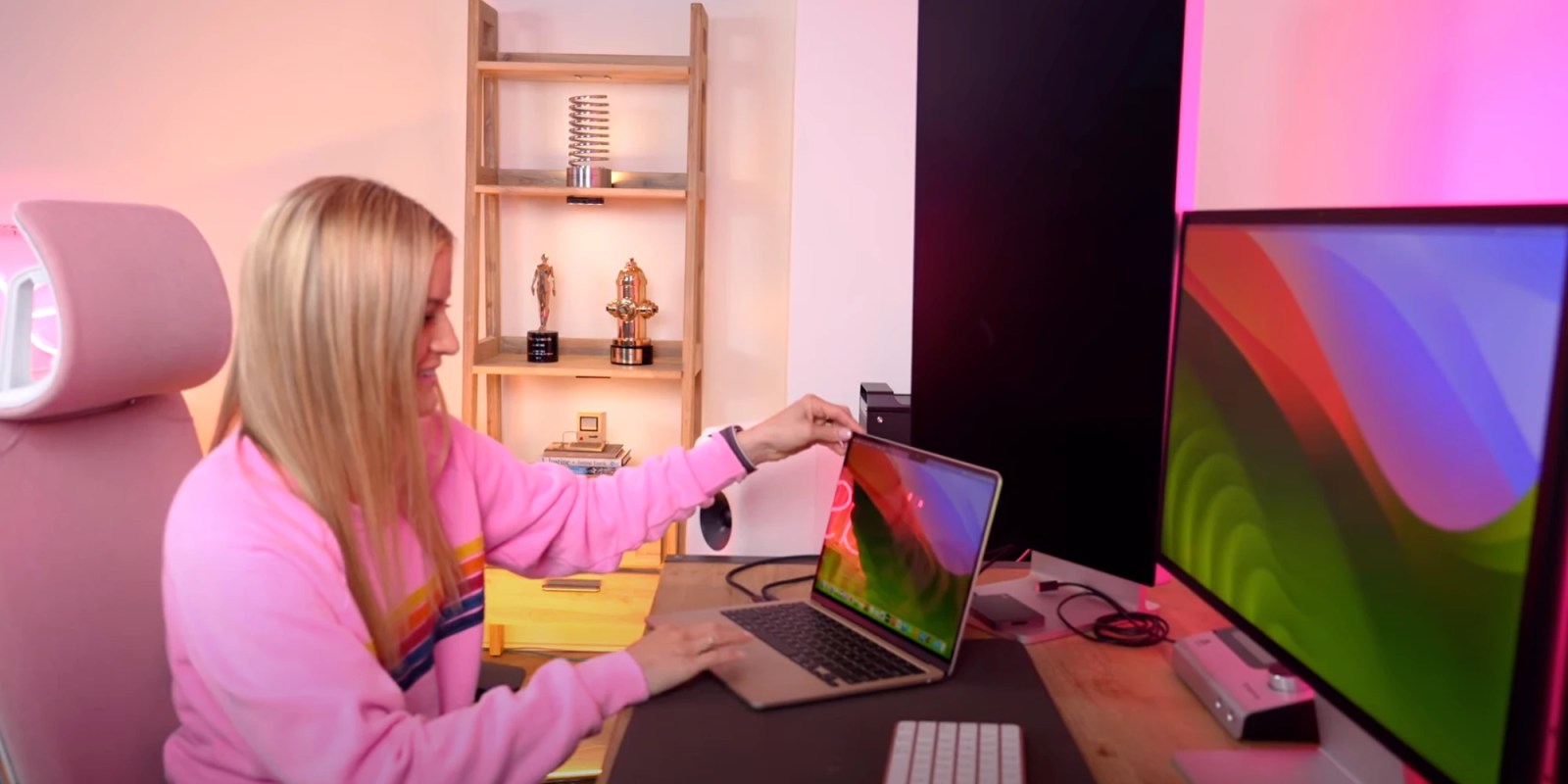
You open the box. It’s the most beautiful thing Apple has ever made—a deep, inky blue that looks like a slice of the night sky. You touch it. Suddenly, your $1,000 investment looks like a crime scene. Macbook air midnight fingerprints are basically a rite of passage for owners of the M2 and M3 models, and honestly, the internet is still pretty salty about it.
Dark aluminum is a nightmare. It’s basic physics. Anodized aluminum is porous on a microscopic level, and when the oils from your skin fill those tiny gaps, they change how light reflects off the surface. On the Silver or Starlight models, the light is bright enough to mask the oil. On Midnight? It stands out like a neon sign.
Apple knew they had a PR problem after the M2 launch in 2022. Every tech reviewer from MKBHD to The Verge pointed out that the laptop looked filthy within five minutes of use. So, when the M3 MacBook Air dropped in early 2024, Apple claimed they’d fixed it with a "breakthrough" seal. But does it actually work in the real world? Sorta.
The Science of Smudge: Why Midnight is Different
To understand the macbook air midnight fingerprints drama, you have to look at the chemistry of the finish. Unlike the Space Gray or Silver versions, which are closer to the natural state of the metal, Midnight involves a heavy anodization process.
Apple’s "breakthrough" on the M3 model is a new breakthrough anodization seal. This is a thin chemical layer designed to lower the surface energy of the metal. If the surface energy is lower, the oils from your fingers don't "wet" the surface as easily. They tend to bead up rather than soak into the texture.
Does the M3 actually stay cleaner?
If you put an M2 Midnight and an M3 Midnight side-by-side, you’ll notice a difference. The M3 definitely resists the initial "greasy" look for longer. However, it is not a magic force field. You’re still going to see marks around the trackpad and on the lid where you grip it to open the display. It’s just less aggressive.
The reality is that human skin produces sebum. This oil is persistent. Even if the anodization is better, your hands are essentially "painting" the laptop with biological lubricants every time you type.
Real-World Comparisons: M2 vs. M3
If you’re hunting for a deal on a used M2, be warned. The M2 version of this color is notoriously difficult to keep clean. I've seen units in the wild where the palm rests look permanently discolored. It’s not actually damage to the metal; it’s just layers of skin oil that have built up over months.
The M3 is better, but it’s still the highest-maintenance color Apple sells. If you are the kind of person who gets annoyed by a single smudge on your glasses, the macbook air midnight fingerprints will drive you absolutely insane. You will spend more time wiping this laptop than actually using it.
I’ve talked to people who returned their Midnight Airs within the 14-day window specifically for this reason. They traded them for Silver. Silver is the "set it and forget it" color. You can go a month without cleaning a Silver MacBook and it still looks pristine from three feet away. Midnight requires a daily ritual.
How to Actually Clean the Midnight Finish
Don't just grab a paper towel. Please. Paper towels are abrasive and can actually leave tiny scratches or "buff" the matte finish over time, making it look shiny in some spots and dull in others.
- The Microfiber Rule: You need a high-quality microfiber cloth. Not the cheap ones from the gas station, but something with a tight weave.
- 70% Isopropyl Alcohol: This is the gold standard. Apple explicitly says this is safe to use. It breaks down the oils without damaging the anodized layer.
- The "Whoosh!" Factor: Many tech enthusiasts swear by Whoosh! Screen Shine. It’s the stuff they actually use in Apple Stores to keep the display units looking sharp. It leaves a very slight polymer coating that can help repel the next round of fingerprints for a few hours.
Avoid using window cleaners or anything with ammonia. You’ll strip the oleophobic coating off the screen, and you might mess with the finish on the chassis.
Dealing with "Permanent" Marks
Sometimes, you’ll see a mark that won't come off with a dry cloth. This is usually just "stuck" oil. Apply a tiny bit of 70% isopropyl alcohol to the cloth (never directly to the laptop) and rub in a circular motion. It should lift. If the mark remains, it might actually be a scratch in the anodization, which is the other downside of Midnight—the scratches show up as bright silver because the blue layer is incredibly thin.
Is the Midnight Color Worth the Headache?
It’s the best-looking laptop on the market. Period. When it's clean, nothing else comes close. The way the color shifts from almost black to a deep navy depending on the light is incredible.
But you have to be honest with yourself about your habits. Do you eat chips while you work? Do you have naturally oily skin? Do you hate cleaning your gear? If you answered yes to any of those, the macbook air midnight fingerprints will become a source of genuine "buyer's remorse."
I’ve found that the best middle ground for people who want a dark laptop but hate the prints is the Space Gray. It’s classic. It’s dark enough to feel professional, but it hides the oils about 50% better than Midnight does.
The Skin Solution
Some users have resorted to putting a clear skin (like those from Dbrand) over the palm rests. This solves the fingerprint issue entirely because you’re touching vinyl instead of metal. But then you’re covering up the very metal you paid a premium for. It’s a bit like putting plastic covers on a velvet sofa. It works, but at what cost to the "vibe"?
Actionable Steps for Potential Buyers
If you’re standing in an Apple Store right now staring at that beautiful Midnight finish, here is how you should decide.
1. The "Touch Test"
Touch the display model. Don't just tap it; palm the area next to the trackpad for five seconds. Step back. Look at it under the harsh overhead store lights. If that mark bothers you, walk away. The lighting in your house will be softer, but the prints will still be there.
2. Buy the Right Kit
If you commit to Midnight, buy a 10-pack of microfiber cloths and a small spray bottle of 70% isopropyl alcohol immediately. Keep one in your laptop bag. You will need it.
3. Consider the M3 over the M2
If fingerprints are a major concern, the M3’s new coating is worth the extra money. It doesn't eliminate the problem, but it makes the cleaning process much easier. The oils don't "bond" to the metal as stubbornly as they do on the M2.
4. Check your environment
If you work in a dusty area or outdoors, Midnight is a magnet for every speck of debris. Dark surfaces show dust just as badly as they show oil.
The MacBook Air is a tool, but for many of us, it’s also a piece of design. The macbook air midnight fingerprints are a trade-off. You are trading low-maintenance aesthetics for a high-maintenance masterpiece. Just know what you’re signing up for before you swipe that card. If you're okay with a quick wipe-down every evening, you'll love it. If you want a laptop that looks the same on Monday as it does on Friday without any effort, stick to the Silver.