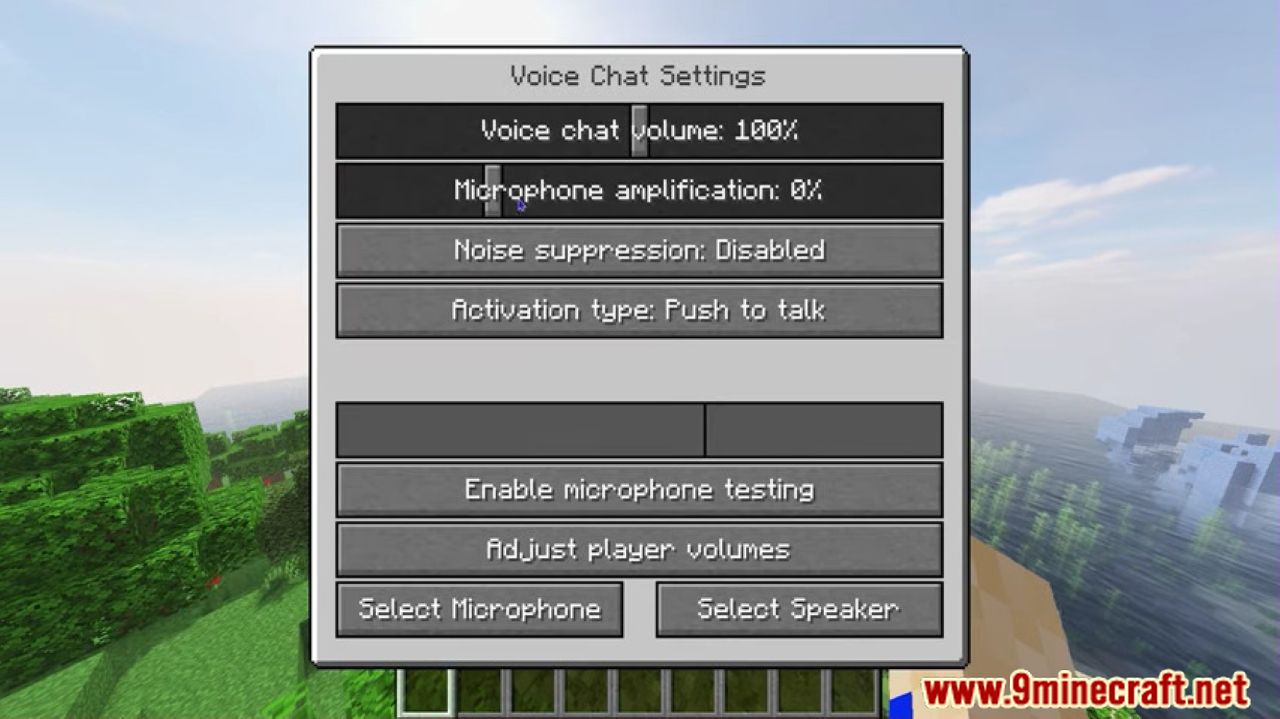
It happens every single time. You’re halfway through a massive build or deep in a cave with the squad, and suddenly, the world stops moving. You can’t break blocks. Your friends are running in place. Then, the dreaded "Timed Out" screen hits. If you're running Simple Voice Chat or Plasmo Voice, you’ve probably realized by now that a minecraft voice chat mod crashing server isn't just a minor annoyance—it's a total vibe killer.
Honestly, it’s frustrating. You spend hours configuring plugins and mods just to get that immersive proximity feel, only for the whole thing to go belly up because of a port conflict or a buffer overflow. Most people think it’s just a "buggy mod," but that’s rarely the case. Usually, it's a networking tug-of-war happening behind the scenes that your server just isn't prepared to win.
The UDP Port Nightmare
Most Minecraft mods work over TCP. That’s the standard way Minecraft talks to your computer. But voice chat is different. To keep the audio from lagging, mods like Simple Voice Chat use UDP (User Datagram Protocol). It’s faster because it doesn't wait for a "handshake" like TCP does.
But here’s the kicker: if you haven't opened the specific UDP port on your firewall or router, the server starts screaming. It tries to process voice data it can't send. This creates a massive backlog. Eventually, the watchdog timer on your server sees that the main thread hasn't responded in 60 seconds and pulls the plug. Crash.
You’ve got to make sure your port forwarding isn't just set to "TCP." It needs to be "UDP" or "Both." By default, Simple Voice Chat uses port 24454. If you're on a host like PebbleHost, BisectHosting, or Apex, you might actually need to ask them for an "extra port" because they often block everything except the main game port.
Why the Integrated Voice Mod is Different
The way these mods work is by running a "mini-server" inside your Minecraft server. Think of it as a second engine inside a car. If that second engine overheats, it can take the whole car down with it. When the minecraft voice chat mod crashing server happens, it's often because the voice "engine" ran out of memory or hit a packet loop.
Hidden Memory Leaks and Java Versions
I've seen so many people try to run modern voice chat mods on outdated Java versions. It doesn't work well. If you’re on Minecraft 1.20.1 or higher, you really should be using Java 17 or 21. Older versions handle memory cleanup—called Garbage Collection—very poorly.
When a player joins with a weird microphone sample rate, the mod has to transcode that audio on the fly. If your server is low on RAM (looking at you, 2GB "budget" plans), that sudden spike in CPU and RAM usage to process voice data triggers a crash. It’s not that the mod is "broken"; it's that it just asked your server to do math it didn't have the brainpower for.
Some people think adding more RAM fixes everything. It doesn't. Too much RAM can actually make the crashes worse because the Garbage Collector has to pause the whole server for longer periods to clean up the mess. It's a balancing act.
Compatibility Issues with Other Mods
Let's talk about the "mod soup" problem. You’ve got 150 mods. Performance mods, biome mods, and then you toss in voice chat.
The Sodium and Lithium Conflict
Sometimes, it isn't the voice chat mod's fault at all. It's a conflict with a performance mod that's trying to optimize the same networking packets. For example, some versions of "Connectivity" or "Krypton" can clash with how voice data is bundled. If you see "Internal Exception: java.lang.NullPointerException" in your crash logs right before the server dies, you’re looking at a mod conflict.
Packet Size Limits
Minecraft has a hard limit on how big a "packet" of data can be. If you have mods that add complex player data (like huge NBT tags from backpacks or specialized armor), and then the voice chat mod tries to squeeze audio data into that same pipe, the packet gets too big. The server sees an oversized packet and kicks everyone, or worse, the server software panics and shuts down to prevent world corruption.
How to Read Your Crash Logs (The Real Way)
Don't just look at the bottom of the log. Look for the "Thread Dump."
When a minecraft voice chat mod crashing server event occurs, the log will usually list which thread was "hanging." If you see VoiceChatPacketThread or something similar at the top of the stack trace, you know exactly where the fire is.
- Check the Watchdog: If the log says "A single server tick took 60.00 seconds," that means the voice mod likely blocked the main thread.
- Look for Bind Exceptions: If it says "Address already in use," you’re trying to run the voice chat on a port that something else is already using.
Specific Fixes for Common Scenarios
If you're using Simple Voice Chat on a Linux VPS (like Oracle Cloud or DigitalOcean), the "ufw" firewall is your worst enemy. You can enable the port in the config file all day long, but if the OS level firewall says no, the server will eventually hang while waiting for a response. Run sudo ufw allow 24454/udp and see if the crashes stop. It's usually that simple.
For those on Fabric, make sure you have the correct version of the Fabric API. It sounds basic, but the voice mod relies heavily on the API to inject its networking code. An outdated API won't know how to handle the voice packets, leading to a memory leak that slowly chokes the server over 2 or 3 hours until it finally dies.
Another weird one? Player distance. Proximity chat calculates audio volume based on where players are. If you have a player at coordinates 10,000,000 and another at 0, the math involved in calculating that 3D audio "falloff" can actually cause a floating-point error in very specific, rare circumstances. It's rare, but it's been known to happen in older mod versions.
The "Invisible" Cause: Bad Client Mod Versions
Sometimes the server crashes because of a client. If a player joins with a version of the voice mod that is slightly different from the server version, they might send a "malformed packet."
The server tries to read this "gibberish" audio packet, doesn't know what to do with it, and gets stuck in a loop trying to decode it. Always, always force your players to use the exact same version of the mod. Tools like Modrinth or CurseForge launchers make this easier, but there’s always that one friend who tries to join with a version they downloaded six months ago.
Better Performance Settings
You can actually tweak the mod config to be less demanding. In the voicechat-server.properties file:
- Lower the Bitrate: The default is often 64kbps. Dropping it to 32kbps still sounds fine (like a decent phone call) but halves the networking load.
- Adjust the Distance: If your server is crashing during big events, lower the
max_voice_distance. Calculating audio for 50 people standing in a circle is way harder than for 5 people. - Enable Encryption (or Disable it): Sometimes the encryption process is what's hitting the CPU too hard. If you're on a private server with just friends, turning off voice encryption can save a surprising amount of overhead.
Actionable Steps to Stabilize Your Server
Stop guessing and start fixing. If your server is currently down or crashing daily, follow this sequence:
- Check the Port Protocol: Go to your server hosting panel or router settings. Ensure the port (default 24454) is open specifically for UDP. TCP isn't enough.
- Verify IP Binding: In the
voicechat-server.propertiesfile, leave thebind_addressblank unless you specifically know your server's internal IP. Setting this incorrectly is a leading cause of "Server Hang" crashes. - Update Java: Ensure you are running Java 17 or 21. If you're on an old host that only offers Java 8, it's time to migrate.
- Isolate the Mod: If it still crashes, remove all mods except the voice chat mod. Run it for an hour. If it doesn't crash, you have a conflict. Re-add mods in groups of five until the crash returns. This is tedious, but it's the only way to find the culprit.
- Check the "TickTime": In your
server.properties, increasemax-tick-timeto-1. This won't stop the lag, but it will stop the server from automatically shutting itself down when the voice mod takes a second too long to process a packet. - Update the Mod: Simple Voice Chat and Plasmo get updates constantly specifically to fix these "Edge case" crashes. Don't be that person running a version from three months ago.
By following these steps, you move away from the "reboot and pray" method and actually address the networking bottlenecks. A minecraft voice chat mod crashing server usually isn't a mystery; it's just a sign that your data "pipes" are clogged or misconfigured. Fix the flow, and you'll get back to playing without the constant fear of a timeout.