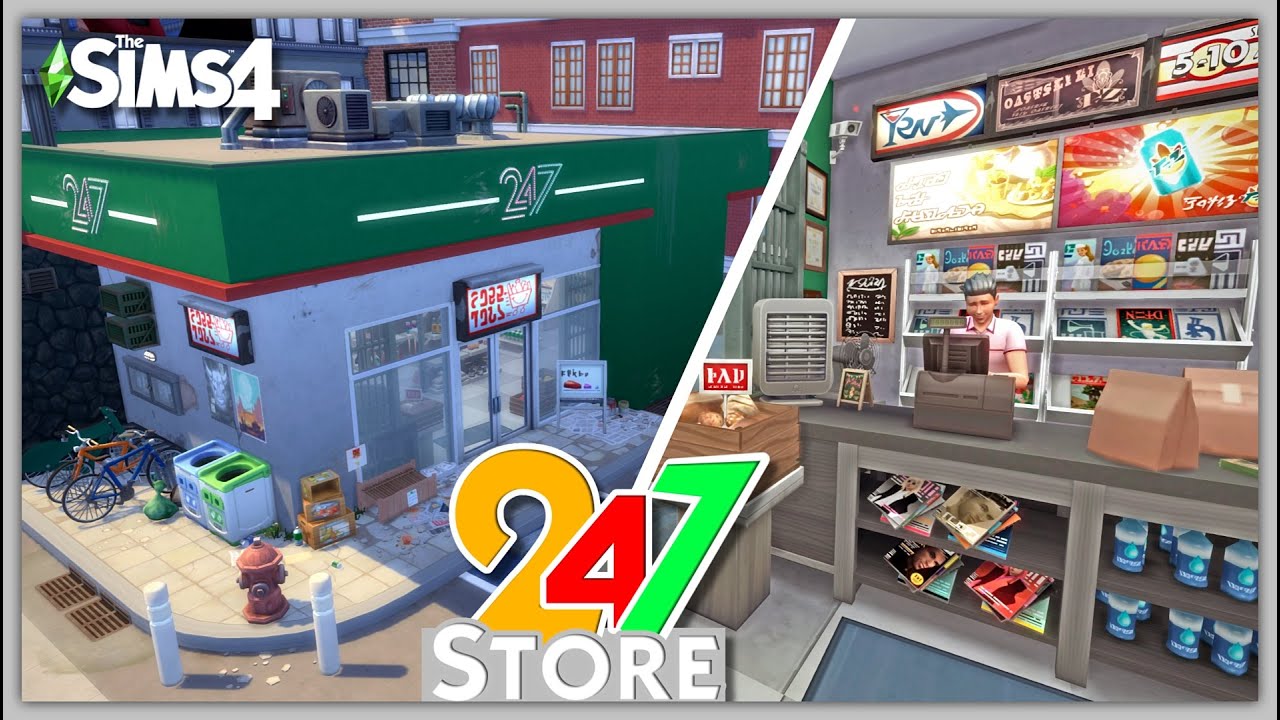
Running a Sims 4 retail shop is honestly a chaotic nightmare if you go into it expecting a passive income stream. Most players think they can just throw some paintings on a wall, set the markup to 100%, and watch the Simoleons roll in while they browse Simstagram. It doesn't work like that. Get To Work released back in 2015, and even now, the AI for customers is just as buggy and baffling as ever. You've got Sims wandering in just to use your bathroom or talk to a trash can while your employee stands there doing literally nothing. It’s frustrating.
Success in the retail world of Willow Creek or Magnolia Promenade requires a weird mix of micromanagement and understanding how the "Social Combat" of sales actually functions.
The Brutal Reality of the Markup
Most people go straight for the "Extremely High" markup because, hey, we want profit. But that's usually where the downward spiral starts. When you set prices to 100% profit, the "Buy" bar for customers fills up at a glacial pace. You’ll spend five in-game hours just trying to convince Geoffrey Landgraab to buy a single toaster. It’s a waste of time.
Start at 25% or 50%. Seriously.
The goal early on isn't the cash; it’s the Retail Perk Points. You need those points more than you need the raw Simoleons in the first week. Without perks like "Slick Salesman" or "The Power of Persuasion," you’re basically shouting into the void. Once you unlock the better sales interactions, then you can crank the prices up and actually close deals before your Sim collapses from exhaustion.
Design Flaws That Kill Conversion
Your shop layout matters way more than the aesthetic. I’ve seen beautiful, sprawling boutiques that fail because the pathing is a disaster. If a Sim has to walk through three doors and a hallway to look at a mannequin, they probably won’t buy anything. They’ll get distracted by a computer or a bookshelf along the way.
Keep it open. Think of your Sims 4 retail shop like a real-world IKEA, but without the confusing maze. You want wide aisles. If two Sims can’t pass each other in an aisle, the AI tends to reset, and they’ll just leave the store. Also, for the love of everything, lock your private doors. If you have a backroom with a TV or a fridge, every single customer will ignore your merchandise and go make a salad in your breakroom. Use the "Lock Door for Everyone But Employees" feature immediately.
And stop putting out "Decorative" items that aren't for sale. If it's not for sale, it shouldn't be reachable. Customers will spend hours "viewing" a rug you didn't mark for sale instead of looking at the $5,000 violin you're trying to move.
The Employee Problem
Let’s be real: Sims 4 employees are borderline useless at level one. You hire a teen or a local townie, and they spend half their shift playing games on their phone or talking to themselves in the mirror. You’re paying them an hourly wage to actively hurt your business.
Don't hire anyone until you can afford a high-level employee or until you have the "Additional Employee" perks. Even then, you have to manage them constantly. Use the "Assign Task" interaction every few hours. If you don't tell them to ring up customers or clean the store, they won't. If they're in a bad mood, praise them or give them a raise. A disgruntled employee will literally insult your customers, which tanks the sale bar instantly.
Honestly? Sometimes it's better to just run a family business. If you have a spouse or a teenager in the household, bring them to the lot. You can control them directly. You don't have to pay them. They won't slack off unless you tell them to. It’s the most efficient way to maximize profit without dealing with the broken employee AI.
Mastering the Sales Pitch
You see that blue bar over a customer's head? That's your lifeblood. But don't just spam "Answer Questions." It’s the weakest interaction.
You need to read the room. If a Sim is "Very Happy," use the "Enthuse about Interest" or "Discuss Price Range" options. If they’re looking skeptical, stick to "Basic" sales pitches. Once that bar is about 80% full, use the "Close Signal" or "Point Out Great Value" (if you have the perks).
The most annoying part of any Sims 4 retail shop is the "Waiting to be rung up" phase. Once a Sim decides to buy, they get a shopping cart icon over their head. If you don't get to them fast enough, they get angry and leave. This is why you need the "Faster Checkouts" perk as your absolute top priority. In a busy shop, you can’t be everywhere at once.
Surprising Items That Make Bank
You don't have to sell furniture. Some of the most profitable shops are the weird ones.
- Bakery Items: High turnover, but you have to keep restocking, which takes forever.
- Photographs: Take photos of other Sims, frame them, and sell them. It’s pure profit.
- Crafted Woodwork: The woodworking table items have a massive "perceived value" boost.
- Outfits: Using mannequins is great because you sell the whole look, but restocking them is a bit of a UI headache.
Restocking costs money. This is the "hidden tax" many players forget. When you sell a $1,000 item, restocking it costs a percentage of that price. If your markup is too low, you might actually be losing money after you factor in the restock fee and employee wages. Keep an eye on your financial report in the retail panel. If the red numbers are bigger than the green ones, fire your staff and lower your overhead.
The "Kelvin" Method (An Illustrative Example)
Imagine a Sim named Kelvin who opens a gallery. Kelvin spends all day painting. He puts the paintings on the wall. He doesn't hire staff. He spends his Perk Points only on "Instant Restocking" and "Slick Salesman." Because he has no overhead, every sale is pure profit. He doesn't need a huge store. A tiny 4x4 room with high-quality art will make more money than a massive department store because the "travel time" for Kelvin to reach his customers is near zero. Efficiency is king.
Actionable Steps for a Profitable Business
First, go to your retail lot and delete every "distraction" like computers, radios, or bookshelves. If it's not making you money, it's a liability. Second, check your markup. If you aren't closing at least three sales a day, drop your prices to "Normal" until you earn the "Slick Salesman" perk. Third, use the "Manage Employees" menu to check their skills. If their "Sales" skill is low, assign them to "Clean Store" or "Restock" instead of talking to people. They will only make customers mad if they try to sell with low skills. Finally, always "Ring Up" the customers yourself. Even with high-level staff, the AI is too slow, and you can't afford to lose a sale because an employee decided to go look at a plant.
The real secret is staying small until you’re powerful. A massive store looks cool, but a tiny, efficient boutique is what actually buys you that mansion in Del Sol Valley. Stop trying to be a mogul on day one and just focus on the blue bars.